Campaign notes for players, not only the GM
Most campaign tools are built for the GM. RealmBinder keeps the story for the whole table, so you can remember who that merchant was, read what you missed, and follow your own character's journey.
How it works
Join the campaign
Your GM, or whoever keeps the notes, invites you by email or link. Nobody keeps notes yet? Start the campaign yourself and invite the others.
Read the recap before you play
The campaign's front page has a short recap of the last session, ready to read out when everyone sits down.
Look anyone up mid-game
Names in notes and recaps link to their entries. Members can ask Chronicler in plain language, and get an answer with links to the sessions it came from.
The Redhollow Deep · Party6 characters
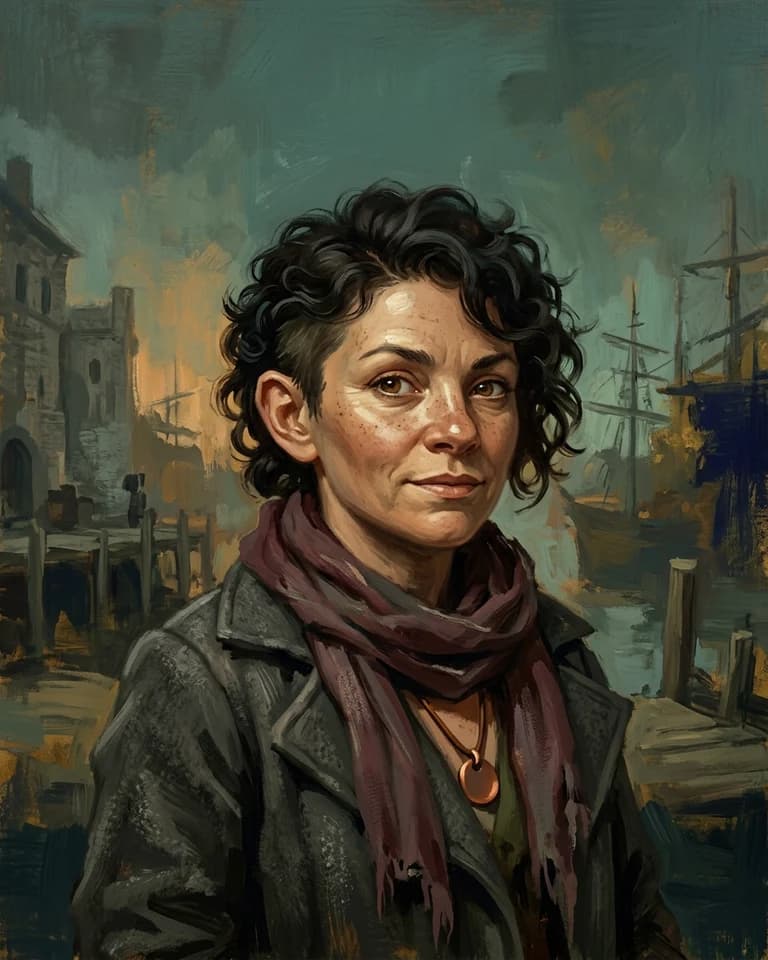
Tess
Rogue
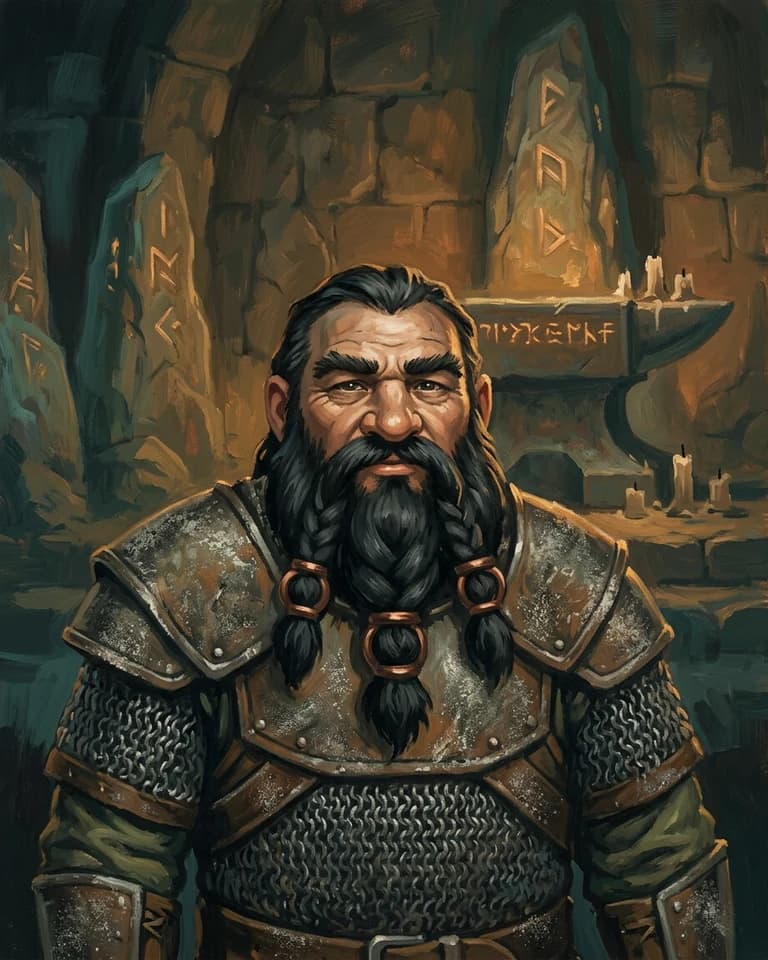
Bromm
Cleric
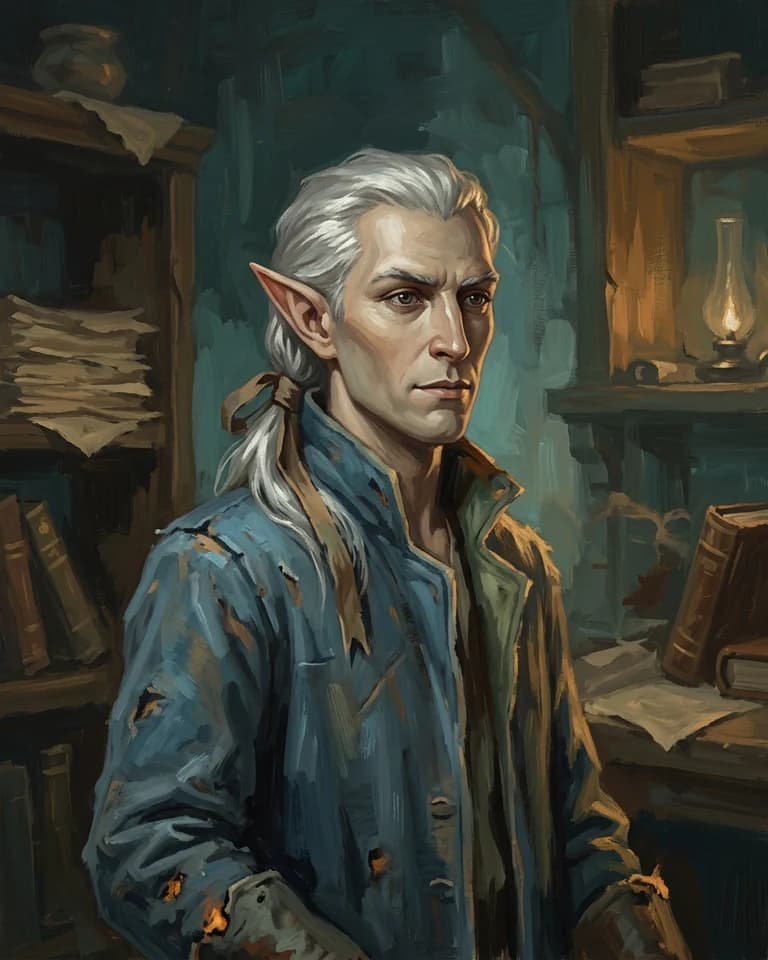
Vaelis
Wizard
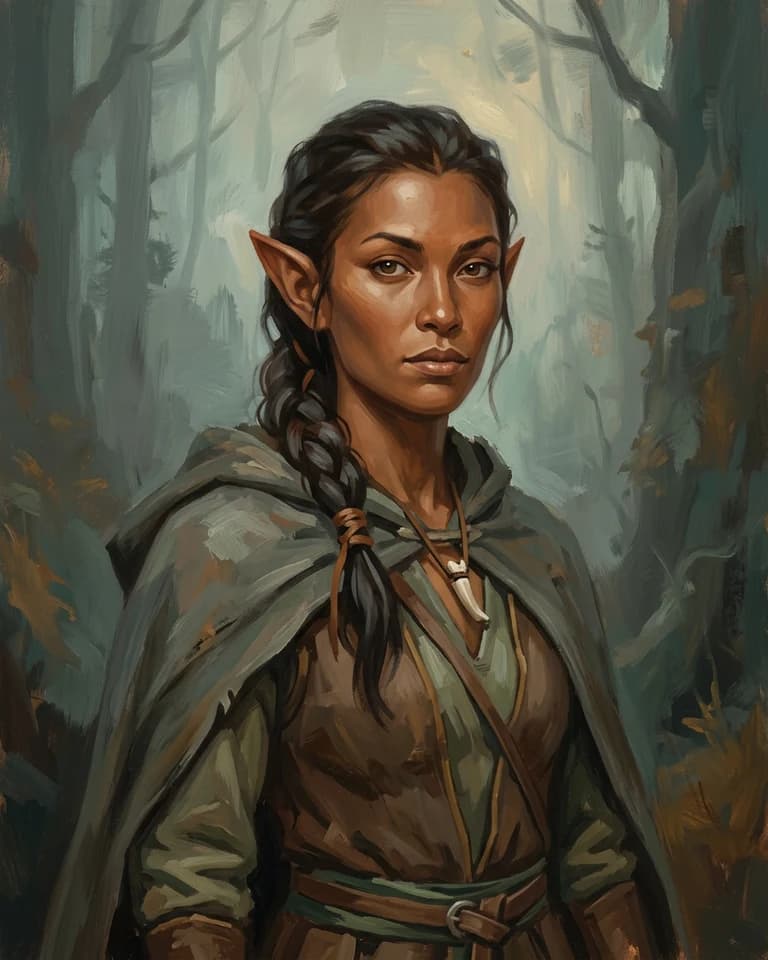
Rill
Ranger
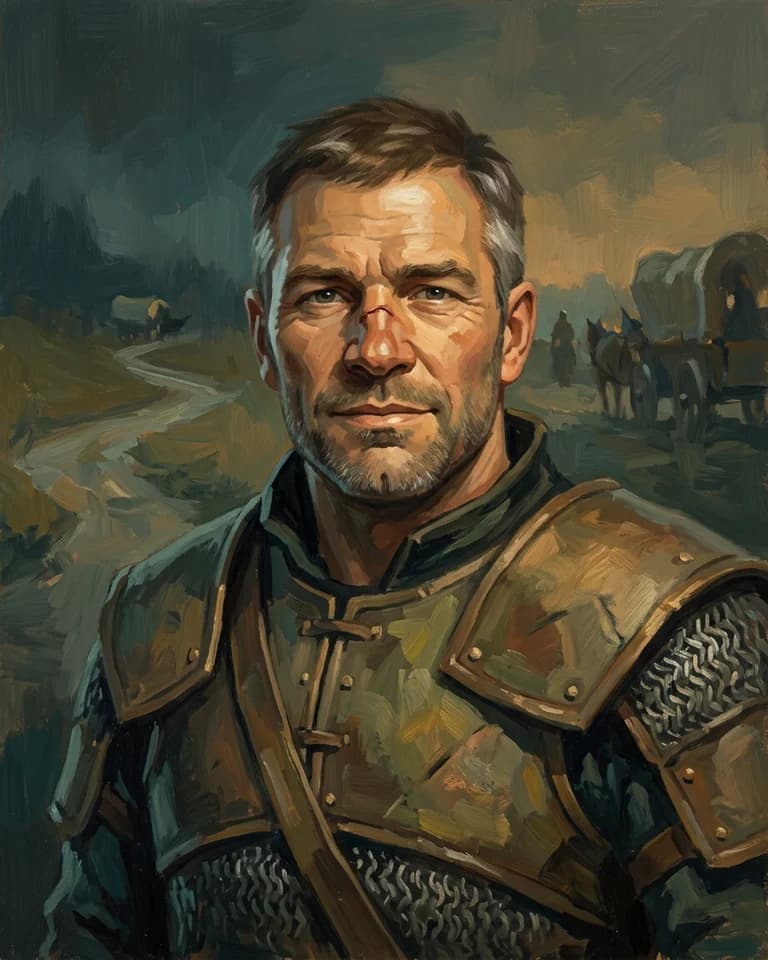
Garran
Fighter
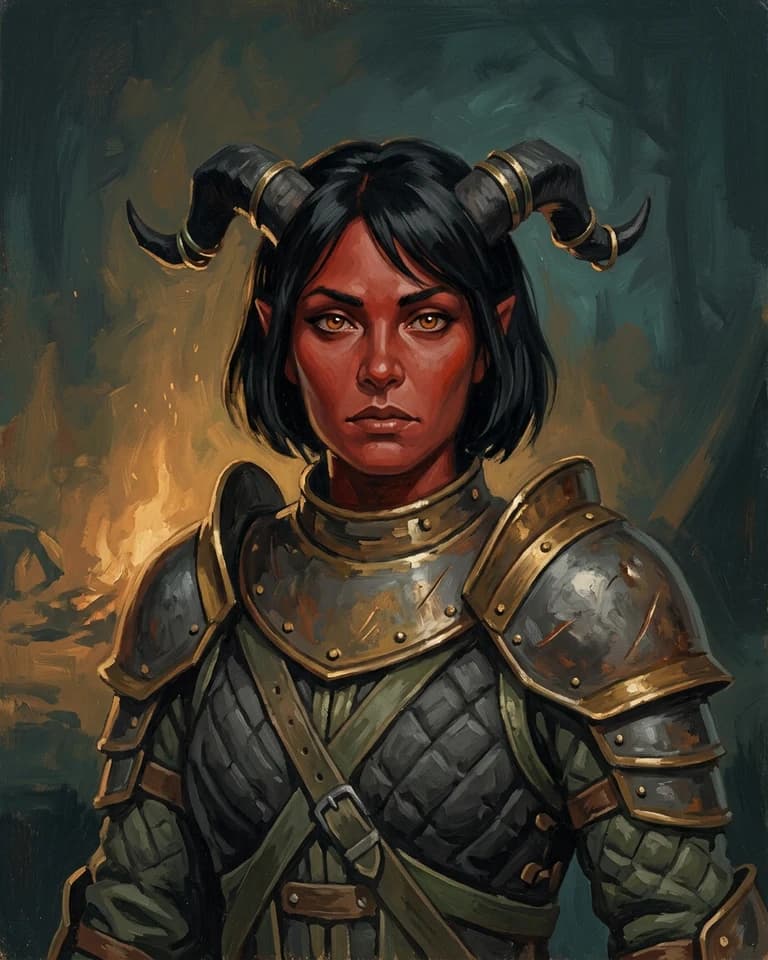
Ilyra
Paladin
What you get as a player
- Your character's profile, portrait and a story written from the sessions you played
- Pin a short note to a session or an entry for the whole table
- Catch up on a session you missed in a few minutes
- Look things up from Discord with /realm, if your group adds the bot
- Write notes yourself, or record the session, as a member
Questions
Can I use it if my GM does not?
Yes. Anyone can start a campaign and be the one who keeps notes. Invite the rest of the party when it has a few sessions in it.
Will I see things my GM wants to keep hidden?
RealmBinder keeps the story the table has played, so everyone in a campaign sees its session notes and compendium. Lore pages and map pins can be kept to their author.
What can a viewer do?
Viewers read the whole campaign but cannot change it, and Chronicler is turned off for them. Members can also write notes, edit entries and ask Chronicler.
Read next
Free during closed beta. We review requests in waves and email you when a place opens.
Request beta access