After the session

Turn last night's game into a session note, from rough notes, a recording or memory.

Session rewriting

Paste your rough notes and RealmBinder writes them up as a session note, in order and in your party's voice. Your original is kept word for word next to it.

  • Or save your notes as they are
  • Select a passage to reword, shorten, simplify or add description, or give your own instruction
  • Preview every change before it is applied
  • Drafts save on your device as you type

Session 6 · The Ruins of Ashenwold

ashenwold after 2 wet days. vandrens sign at the edge: DANGER PLANT MONSTERS AND ZOMBIES TURN BACK NOW. rill knew the handwriting so right place at least vandren says a young blue dragon, Varkesh, took the old tower. dont fight it. rill asked what if it stays. "someone stronger than you deals with it." got mirnas emerald necklace out of the hidden compartment in the old alchemy shop. ash zombies in the streets, dont bunch up around them. vaelis froze one and rill knocked it over and it shattered lol cultists in dragon masks hiding in a farmhouse, leader is Halvor, wants to bring tribute to varkesh. tribute might be people?? tiefling called Ilyra quietly warned us hes planning to offer US following them to the tower at sunset. garran says we run if varkesh comes out. sensible for once
Session recordings

Upload the session audio. RealmBinder transcribes it, asks about anything it couldn't place, and drafts a note for you to review. The audio is deleted after transcription.

Session interview

No notes? Chronicler asks about the session one question at a time and writes the note when you're done. You can stop and pick it up later.

See it on the homepage

Your table's style and language

Set your system and setting, describe how your table talks about its world, and write in your own language. Rewrites, recaps and answers follow them.

Session covers

Every session gets a cover, generated or uploaded, plus up to eight more pictures.

Between sessions

The compendium builds itself from your notes.

Campaign compendium

Characters, adversaries, places, items and factions in your notes become entries. Each one links to the sessions it appears in and gets a summary written from them.

  • Aliases, nicknames and former names
  • Relationships like ally of, enemy of, member of and owns
  • Merge two entries that turn out to be the same
  • If a name might be someone you've already met, RealmBinder asks instead of guessing

Varkesh

Adversary

Also known as
the young blue dragon
Linked entries
AshenwoldVandrenHalvor

Maps

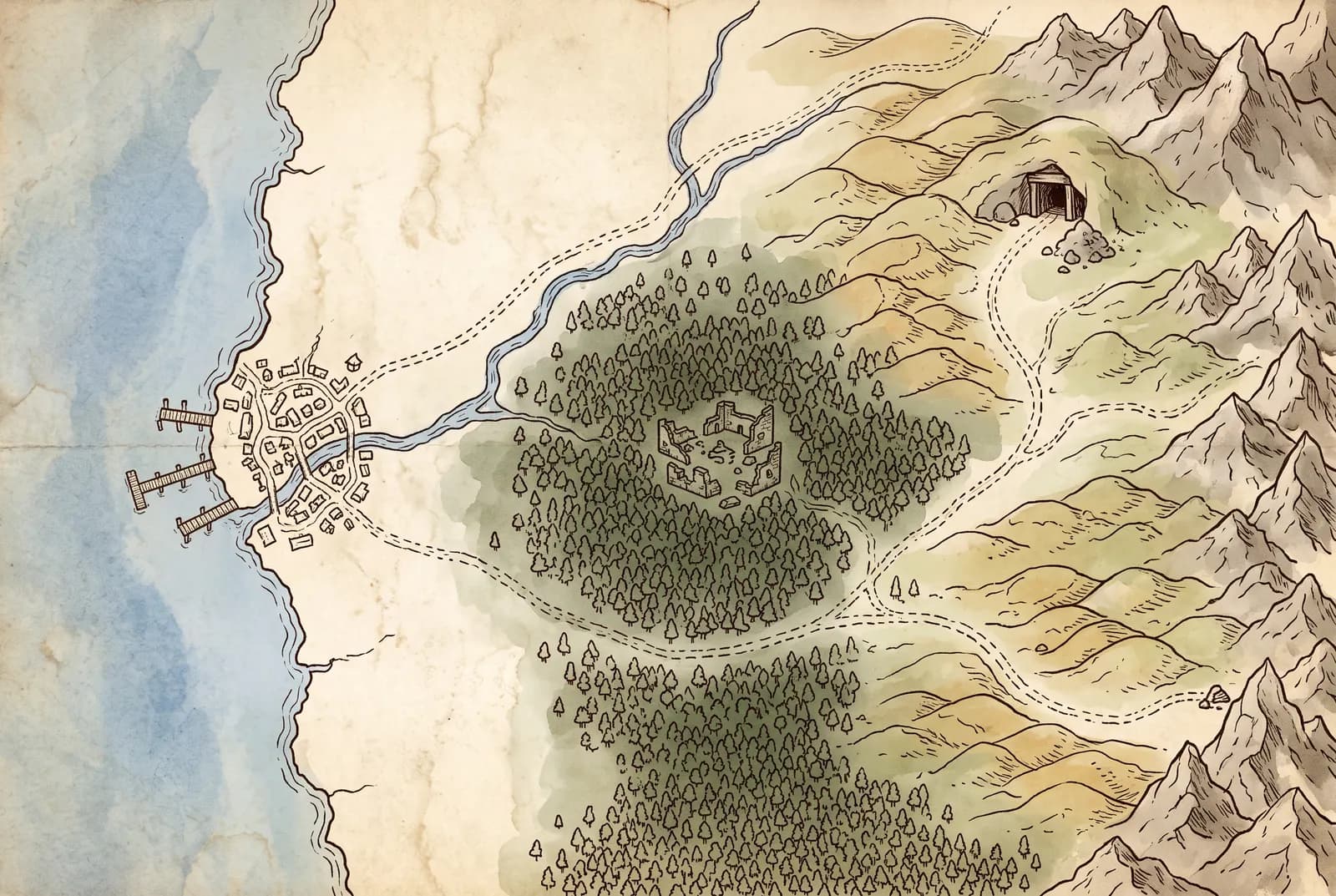
Upload your maps and pin places, people and secrets to them.

  • Ten pin types, each shared with the campaign or kept private
  • Pins link to their compendium entries
  • Draw routes, zones and labels
  • Download the marked-up map as an image

Quest and character status

When a note says a quest is done or a character died, RealmBinder suggests the change. Nothing is updated until someone applies or dismisses it.

See it on the homepage

Campaign timeline

Arrivals, fights, discoveries, items found or lost, and deaths, pulled from each note and laid out by session. Filter down to the major events.

Lore

Write up your world. The overview is shared with everyone, and each other page can be shared or kept private.

At the table

Look things up mid-game, and start each session knowing where you left off.

Your own AI assistant

Connect Claude, ChatGPT or any assistant that supports MCP, and it can read your campaign's notes, lore and compendium.

  • Read-only, so it can't change anything
  • Switch it off per campaign

Your assistant

Help me prep Session 7. Where did we leave off?

RealmBinder · read-only · The Ruins of Ashenwold

The party is following the cultists to the old tower at sunset. Worth having ready:

  • Varkesh, the young blue dragon holding the old tower
  • Halvor and his dragon-mask cultists, and the tribute he means to bring
  • Ilyra, the tiefling who warned you Halvor intends to offer you

Chronicler

Ask about your campaign in plain language. Answers come from your notes, entries and lore, with links to the sources, and Chronicler tells you when it can't find something.

See it on the homepage

Table brief

A short recap of the last session on the campaign's front page. It updates when notes change, so it's ready to read out when everyone sits down.

See it on the homepage

Linked names

Hover a linked name in a note, recap or answer to preview its entry. On a phone, tap to open it.

Sessions and scheduling

Add one-off or recurring sessions to the campaign calendar and link each to its note. Repeat weekly, every other week or monthly.

Reminders

Optional emails: a nudge the day after a session that has no note yet, and a digest of new session notes.

For the whole table

One campaign the whole group can open.

Player characters

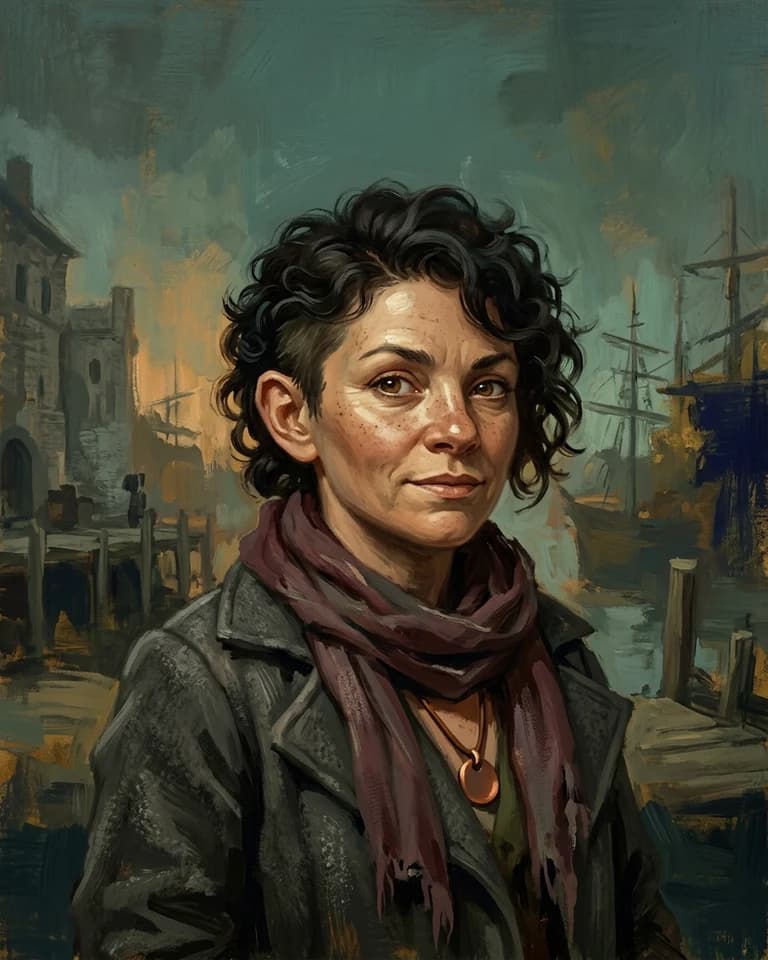
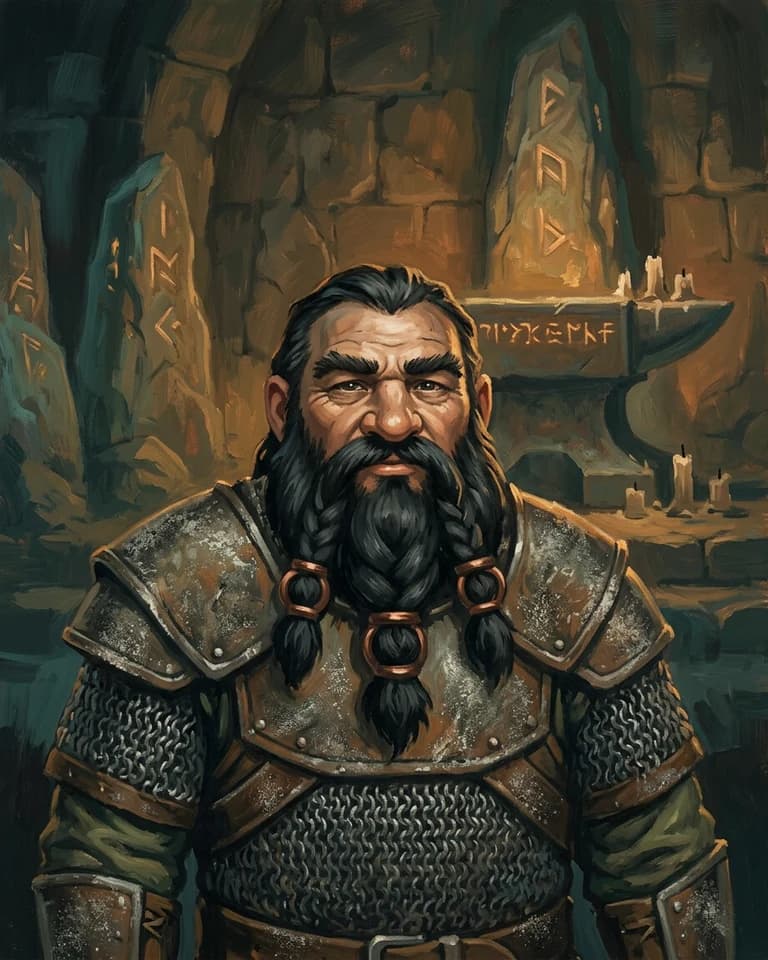
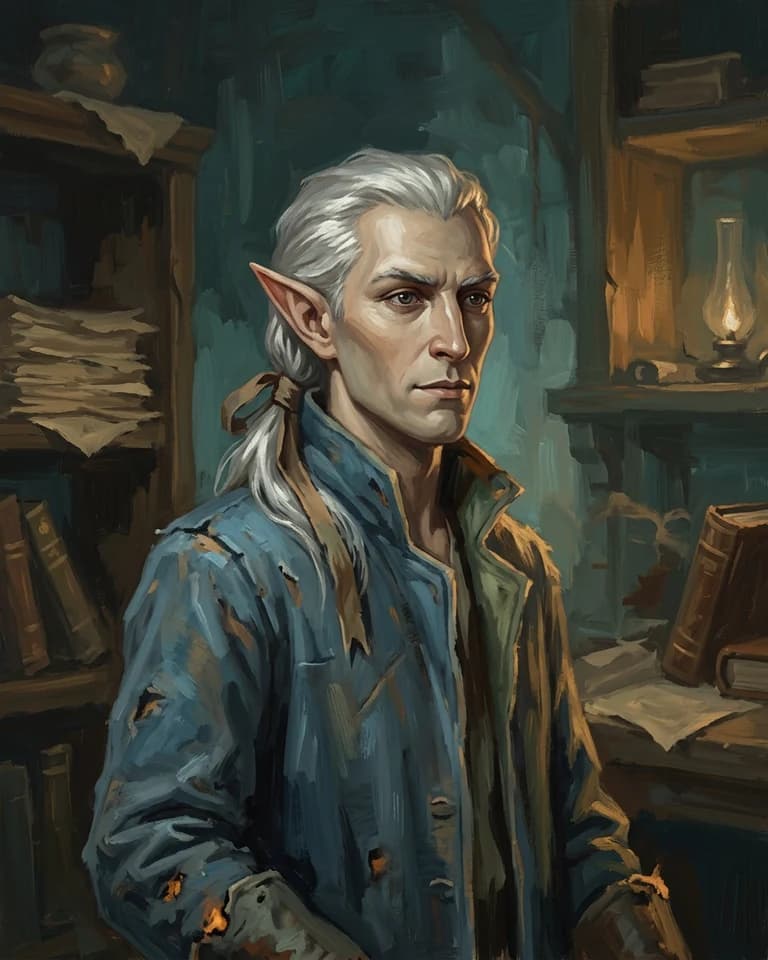
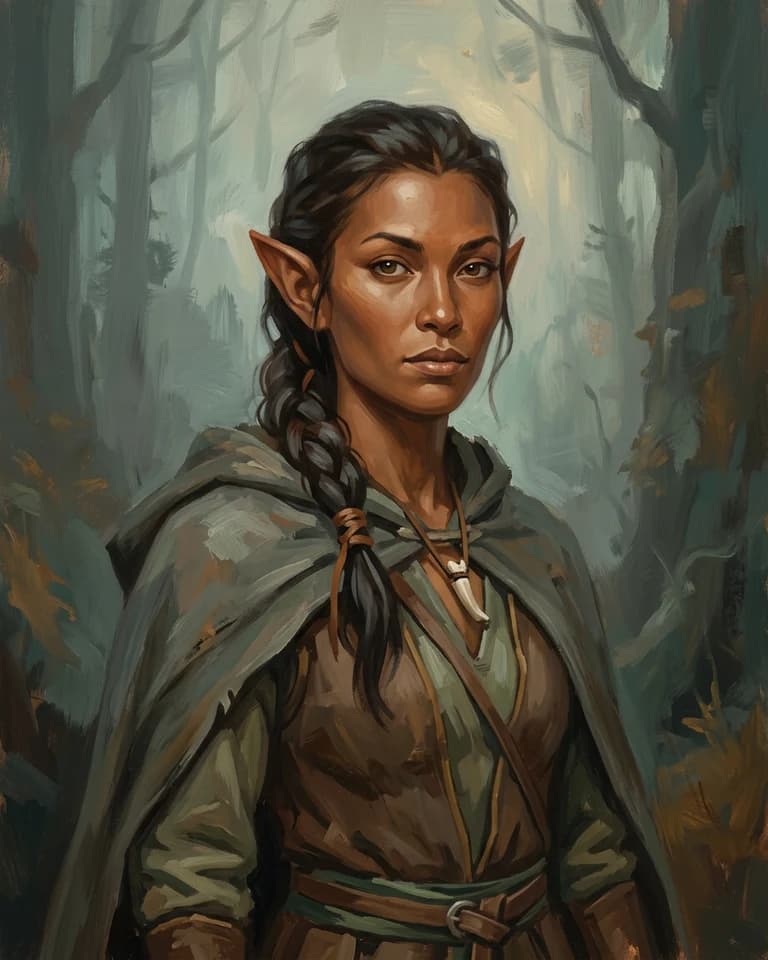
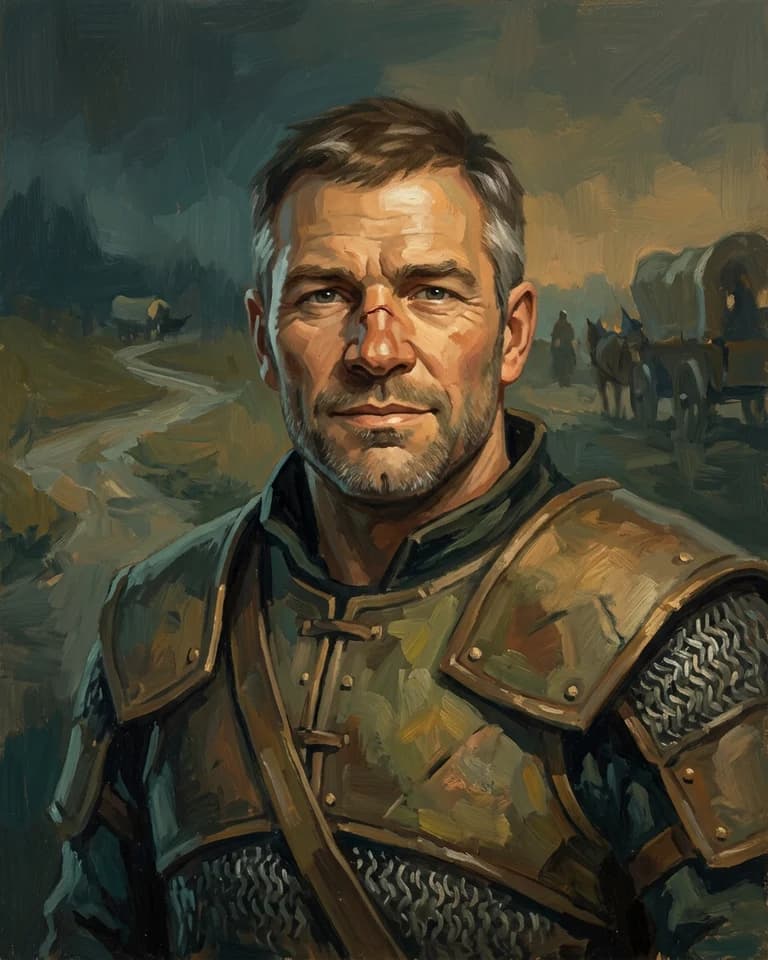
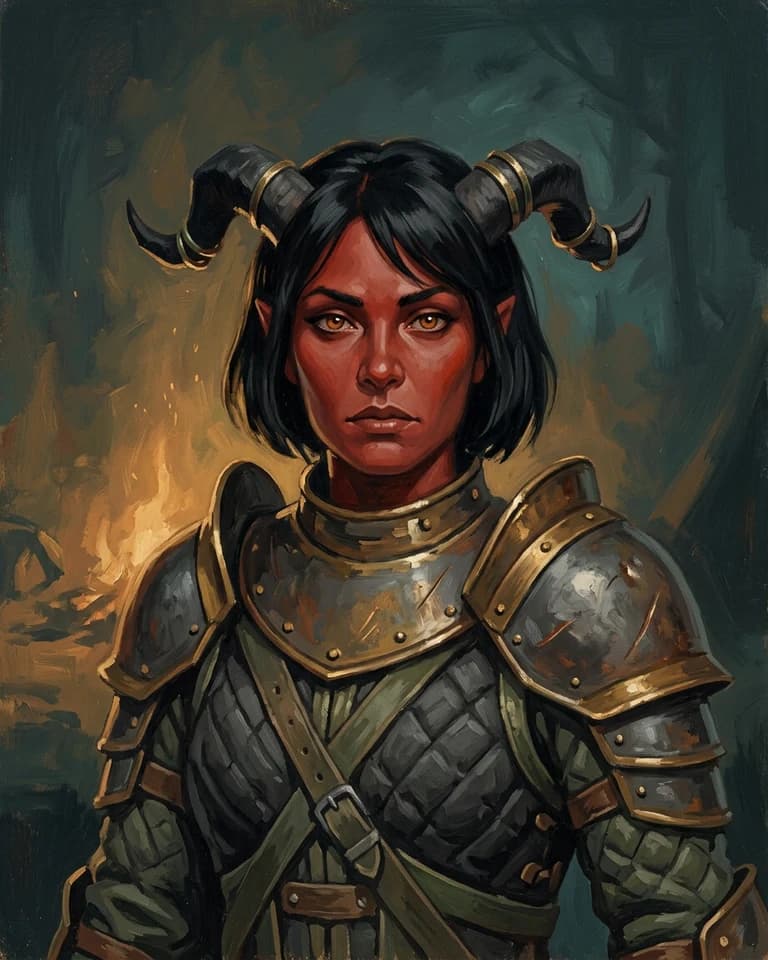
Each player character gets a profile with a portrait, class, species, background and a story written from the sessions they played.

  • Players can own their characters
  • The GM sees the whole party on one page
  • Portraits share one look, designed from up to five reference images

The Redhollow Deep · Party6 characters

  • Tess

    Rogue

  • Bromm

    Cleric

  • Vaelis

    Wizard

  • Rill

    Ranger

  • Garran

    Fighter

  • Ilyra

    Paladin

Campaign art

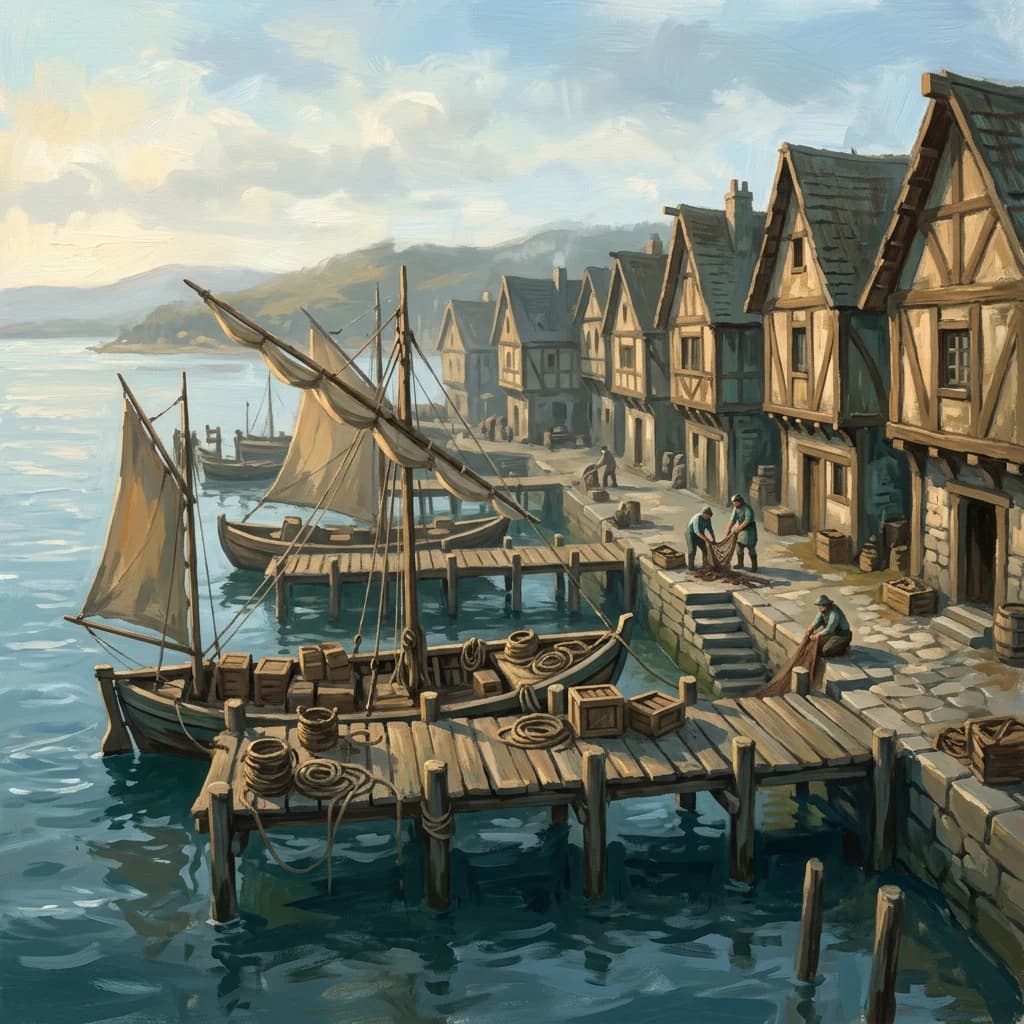
Generate session covers, entry art and portraits in one style for the whole campaign, or upload your own.

  • Painterly, Cinematic, Ink, Pixel, Minimal, or a style made for your system
  • Optional. Turn generated art off for the campaign
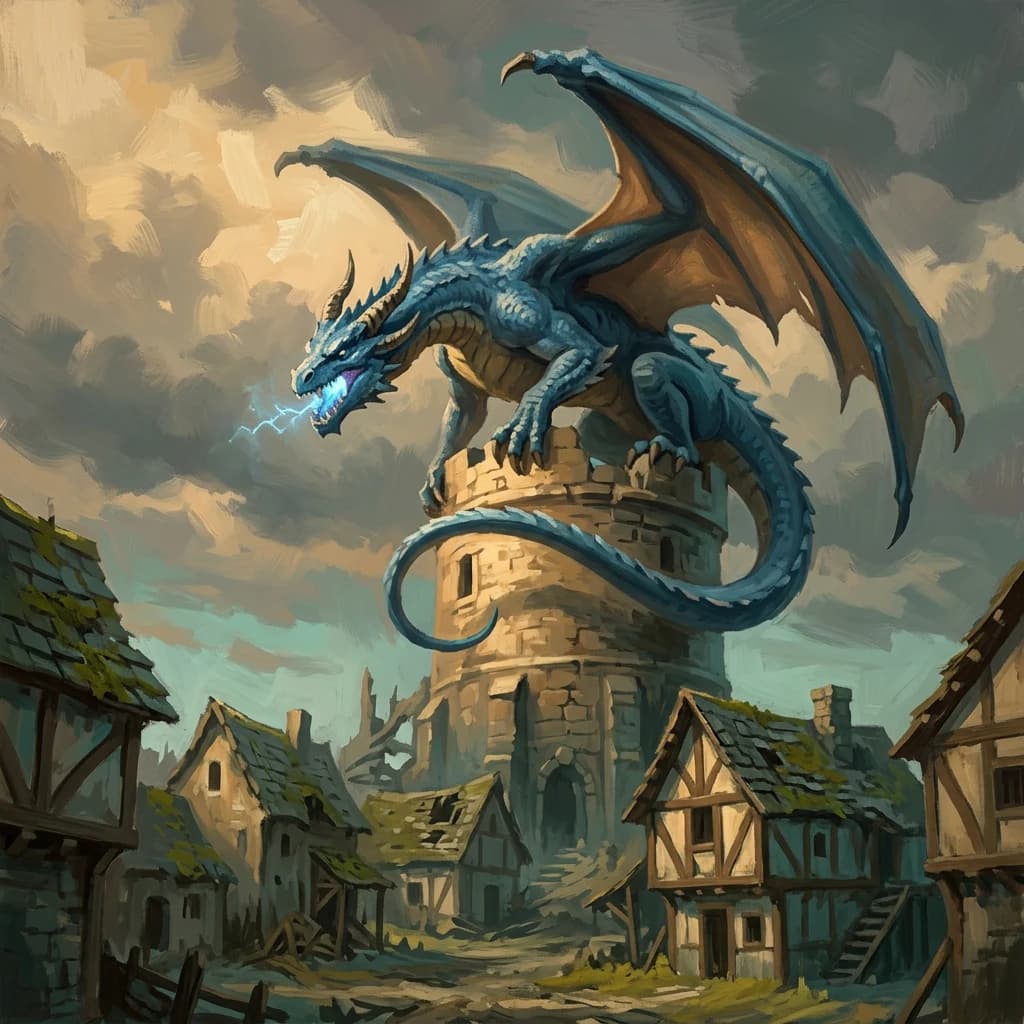
Varkesh at Ashenwold
Halewater docks
Ashelinne’s shelter
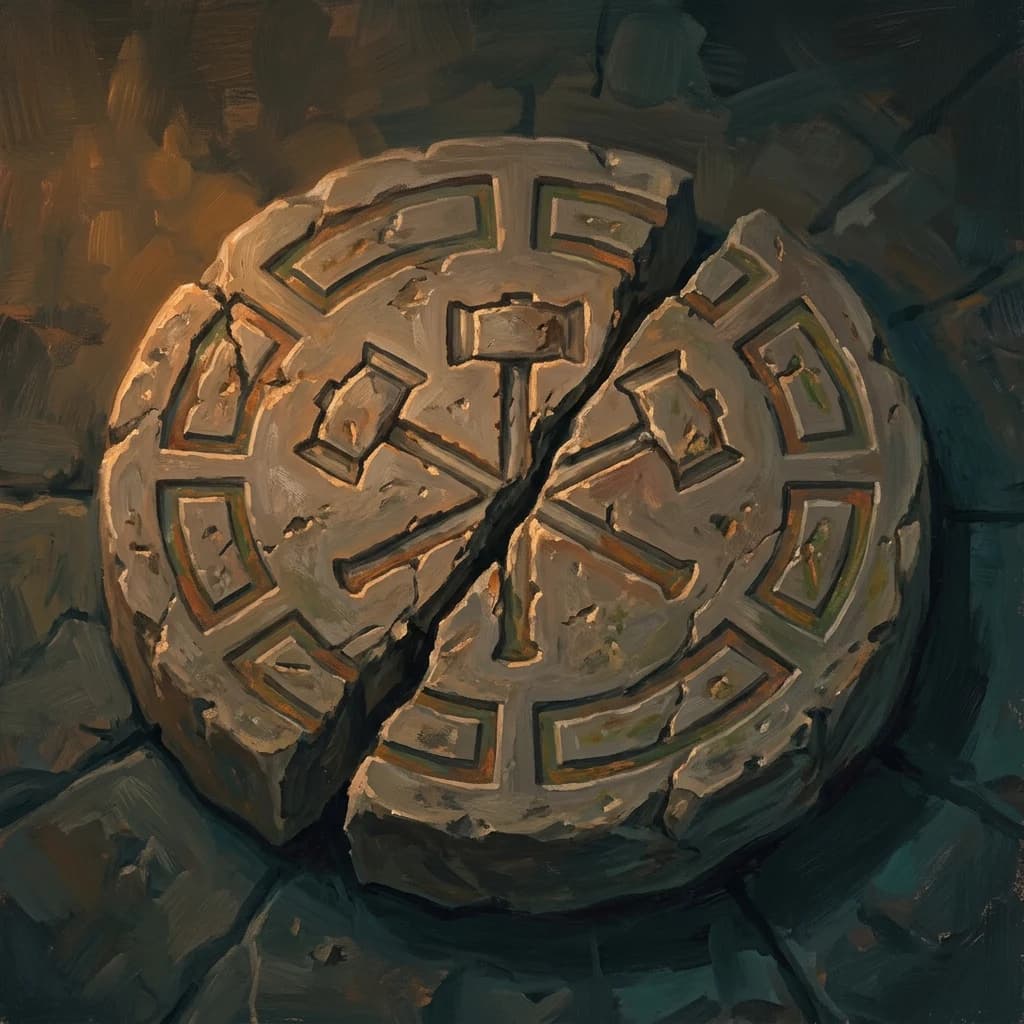
The Accord seal

Roles and invitations

Invite players by email or link. Owners manage settings, members and deletion. Members write notes, edit entries and review suggestions. Viewers can read but not change anything.

Player notes

Owners and members can pin a short note to a session or entry, visible to the whole campaign.

Public link

Make the campaign public so anyone with the link can read it, for example if you stream your games.

Your system, or none

More than 30 built in, including D&D, Pathfinder, Daggerheart, Mothership and Blades in the Dark. Homebrew and system-free campaigns work too.

Themes

Realm, Eldritch, Modern and Starforge, each in light and dark.

Yours to keep

Take your campaign with you, or bring old notes in.

Export

Download the whole campaign as a ZIP of Markdown files, with notes, compendium, characters, lore and pictures.

  • One folder per entry type
  • Links between notes and entries become links between files
  • Import the ZIP to rebuild the campaign, pictures and all
  • Rewritten notes come back as they were, with no second rewrite

the-redhollow-deep-export.zip

  • notes/
    • 2026-02-14-the-ruins-of-ashenwold.md
  • compendium/
    • adversary/
      • varkesh.md
    • character/
      • vandren.md
    • location/
      • ashenwold.md
  • players/
    • rill-fenwood.md
    • vaelis-nymm.md
  • lore/
    • the-redhollow-deep.md
  • assets/
    • the-ruins-of-ashenwold-cover-3f9a1c07be.webp
    • varkesh-cover-a41d6e2f90.webp
    • rill-fenwood-portrait-7c20b5e1d4.webp
  • README.md
  • campaign-data.json
  • export-manifest.json

Import

Bring in Markdown files, pasted Markdown or a RealmBinder export. Keep each note as it is or rewrite it on the way in. Duplicates are caught before anything is saved.

Try it with your own campaign.

We review beta requests in waves and email you when a place opens.